
 Making ads
GPT Image 2.5: Specs, Pricing and Prompts for Ad Images
GPT Image 2.5 explained: Flare vs Sunburst, resolutions, in-image text, API pricing and ready-to-use prompts for static ads. Updated September 2026.


Written by Genly's AI team, reviewed by Marlon Bonink
· 7 min read
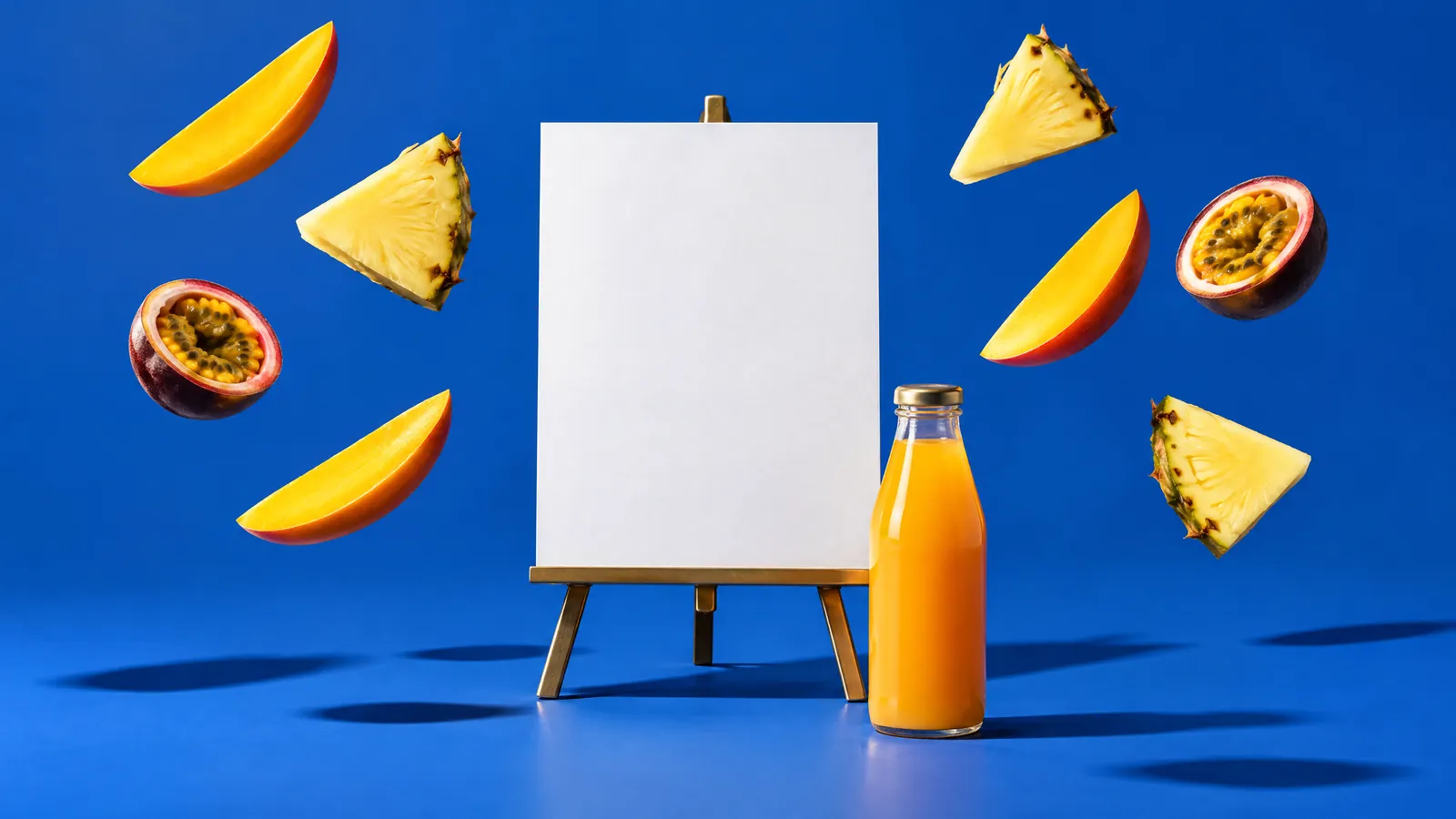
GPT Image 2.5 is OpenAI's newest image model, available in ChatGPT and the API since 8 September 2026. For advertisers it stands out because it handles text in images well and can edit one element without redrawing the rest. This page covers what it can do, what it costs and how to use it for static ads. Status: September 2026.
Short answer: GPT Image 2.5 is OpenAI's image model released on 8 September 2026, in two versions: the fast Flare and the more precise Sunburst. It tops the independent LMArena leaderboard and is strong at in-image text and targeted edits, though OpenAI still lists text placement and consistency as limitations. In Genly you use Flare for 2 credits per image at any resolution.
What is GPT Image 2.5?
GPT Image 2.5 succeeds GPT Image 2, released on 21 April 2026. Inside ChatGPT it is called ChatGPT Images 2.5. According to OpenAI's announcement, it brings "sharper details, more precise editing, and faster generation".
Developers get two models:
- Flare (
gpt-image-2.5-flare): the small, fast model and OpenAI's recommended default, with "50% lower latency" than GPT Image 2. - Sunburst (
gpt-image-2.5-sunburst): the base model, built for maximum quality with longer generation times.
OpenAI is not fully consistent about Flare: the announcement claims higher quality than GPT Image 2, while the prompting guide calls it "comparable to GPT Image 2". On the LMArena text-to-image leaderboard (24 September 2026), Sunburst ranks first with 1424 points and Flare second with 1401, ahead of GPT Image 2 at 1383.
GPT Image 2.5 specs
| GPT Image 2.5 in the API | |
|---|---|
| Versions | Flare (fast), Sunburst (highest quality) |
| Size | custom, up to 3840x2160 pixels; above 2560x1440 is labelled experimental |
| Aspect ratios | anything between 1:3 and 3:1, including 9:16, 4:5 and 21:9 |
| Quality | low, medium, high, xhigh, max or auto |
| Reference images | up to 16 input images |
| Editing | by text instruction or mask; transparent backgrounds supported |
| Output | PNG, JPEG or WebP |
| Speed | Flare 50% faster than GPT Image 2; complex prompts can take up to 2 minutes |
Sources: OpenAI's image generation guide and API reference.
Strengths and weaknesses for ads
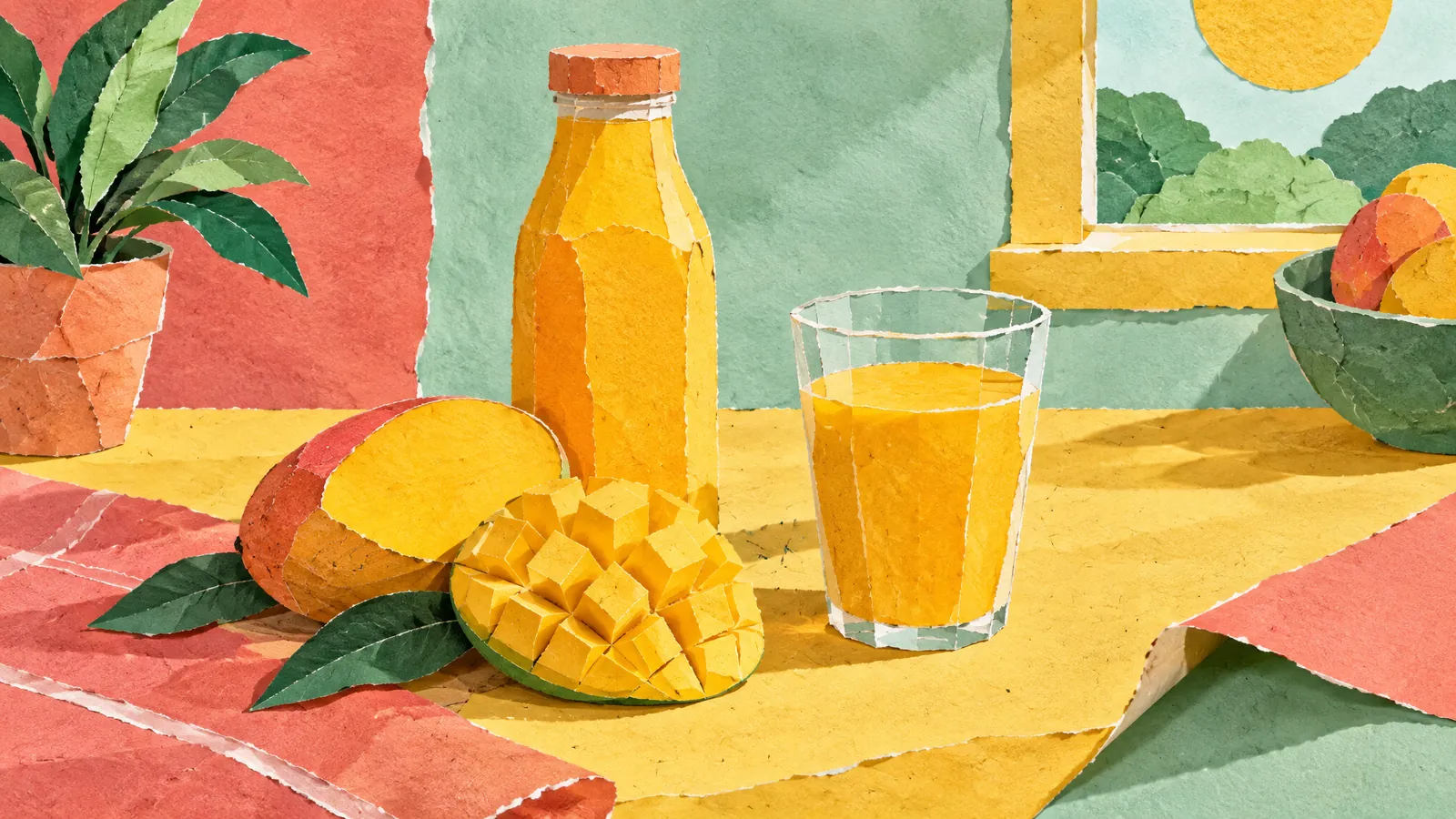
Text in images. OpenAI calls text rendering "significantly improved", but adds that the model "can still struggle with precise text placement and clarity". A short headline usually works; a block of small copy is less reliable.
Other languages. OpenAI makes no specific claims about European languages for 2.5. For GPT Image 2 it highlighted Japanese, Korean and Hindi, among others, TechCrunch reported. If your ads are not in English, keep copy short and proofread every letter.
Product shots and editing. OpenAI says 2.5 is better at preserving the subject of your reference photos and at changing only what you ask for. You can swap the background or headline of an ad while your product stays put.
Consistent people and brand elements. OpenAI warns that recurring characters or brand elements may drift across generations. Its prompting guide suggests feeding the previous output back in and asking for one change at a time.
Logos. There is no dedicated feature for reproducing an existing logo exactly. Upload your logo as a reference and ask for it unchanged, or add it yourself afterwards.
Layout. In tightly structured designs the model may not place elements exactly where you want, OpenAI notes.
Pricing and access
- ChatGPT: Images 2.5 is available on every plan, including free, according to OpenAI. It does not publish how many images you can make (help center).
- API: Flare and Sunburst share GPT Image 2's token prices: $5 per million text input tokens, $8 per million image input tokens and $30 per million image output tokens (model page). OpenAI publishes no fixed price per image, because usage depends on model, size and quality. You may need to complete organization verification first.
- Provenance: images carry C2PA metadata and an invisible watermark (system card).
Using GPT Image 2.5 in Genly
Genly runs the Flare version. It is the default model when you create a new image in My Projects, and you can pick it for any image block in GenFlow.
- Resolution: 1K, 2K or 4K.
- Aspect ratios: 9:16, 1:1, 16:9, 4:3, 3:4, 2:3, 3:2 and 21:9.
- References: your product photo, logo or a previous ad; up to 16 images in GenFlow.
- Cost: 2 credits per image at any resolution. See the pricing page for what a credit costs on each plan.
Want to turn the image into a video ad next? Seedance 2.5 in Genly can use it as a reference.
Prompt examples for static ads
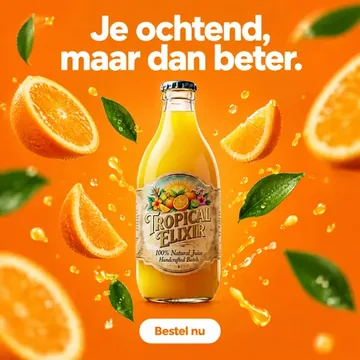
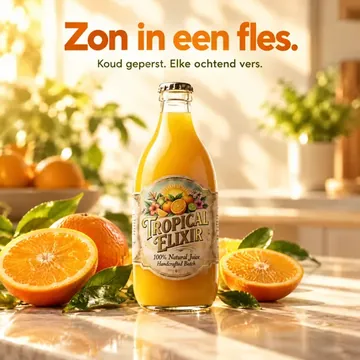
Four examples with our demo brand Tropical Elixir, a tropical juice. Put every word that must appear in quotes, as OpenAI recommends, and attach your product photo as a reference each time.
1. Product shot with one short headline
Square 1:1 social media ad. Use the attached product photo and keep the bottle, label and colours exactly as shown. The bottle stands on a sunlit marble kitchen counter next to a halved mango and a glass of juice, soft morning light. At the top, the headline "Sunshine in a bottle." in a bold rounded sans-serif, dark green. No other text, no extra logos.
One headline, with position, typeface and colour. "No other text" stops the model from inventing words.
2. Story ad with headline and button
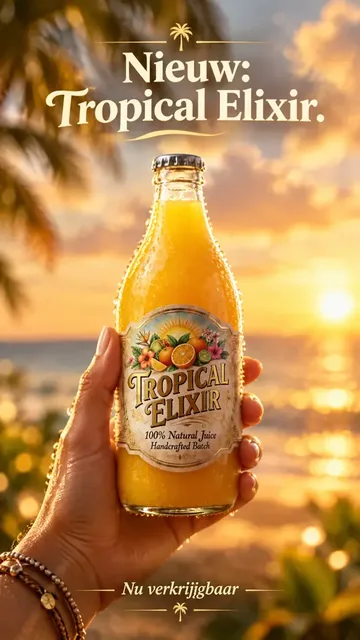
Vertical 9:16 story ad on a bright coral background. The bottle from the reference image floats in the centre, surrounded by pineapple and passion fruit slices frozen mid-air. At the top the text "New: Tropical Elixir." and at the bottom a white rounded button with the text "Try it now". Spell the brand name exactly: T-R-O-P-I-C-A-L E-L-I-X-I-R. No other text.
Spelling the brand name letter by letter is a tip straight from OpenAI's prompting guide.
3. Swap the background, keep the rest
Edit the attached ad. Replace only the background with a sunny beach terrace at golden hour. Keep the bottle, the label, the headline and the layout exactly the same.
A quick way to turn one winning ad into a seasonal variant. Ask for one change at a time.
4. Before and after
Horizontal 16:9 split-screen ad. Left half: a grey, rainy office desk with a cup of cold coffee, muted colours. Right half: the same desk in warm sunlight with the bottle from the reference image and a glass of juice. Small caption top left "Monday morning", top right "With Tropical Elixir". No other text.
A contrast works as a hook, and short captions stay legible.
Image models in Genly compared
| GPT Image 2.5 | Nano Banana 2 | Seedream 4.5 and 5 Lite | |
|---|---|---|---|
| Maker | OpenAI | ByteDance | |
| Released | 8 Sep 2026 | 26 Feb 2026 | Dec 2025 and Feb 2026 |
| Versions in Genly | Flare | Nano Banana 2, Pro and 2 Lite | 4.5 and 5 Lite |
| Resolution in Genly | 1K, 2K, 4K | 1K, 2K, 4K (Pro 2K, 4K; Lite 1K) | 2K, 4K |
| Your own images as reference in Genly | yes | yes | no, text only |
| Dutch named by the maker | no | no | no |
| LMArena score, 24 Sep 2026 | 1401 (Flare) | 1261 | 1147 (4.5), 1138 (5.0 Lite) |
| Credits per image in Genly | 2 | 2 (Lite 1) | 2 |
Pick GPT Image 2.5 when in-image text or precise edits matter most. Nano Banana 2 shines when you combine many reference images, and Seedream works for mood images from text alone.
Frequently asked questions
Is GPT Image 2.5 free?
In ChatGPT you can use it on every plan, including free, within limits OpenAI does not publish. In the API you pay per token.
What is the difference between Flare and Sunburst?
Flare is faster and the default choice. Sunburst is built for the highest quality and precision but takes longer. Token prices are the same.
Can GPT Image 2.5 write text in languages other than English?
Yes, but OpenAI makes no specific promises for most European languages. Keep copy short, put it in quotes and check the spelling.
What resolution does GPT Image 2.5 support?
Up to 3840x2160 pixels in the API, although OpenAI calls anything above 2560x1440 experimental. In Genly you choose 1K, 2K or 4K.
Editor
Marlon Bonink
Co-founder of Genly
This article was written by Genly's AI team and reviewed by Marlon before it went live. How we work with AI: AI transparency.
 Video and UGC