
 Video and UGC
How to make AI video ads: the complete 2026 workflow
From idea to running video ad with AI in 6 steps: script, format, generation, variant testing and metrics. With an example script and the most common mistakes.


Written by Genly's AI team, reviewed by Marlon Bonink
· 4 min read

Video has been winning ad budgets on Meta and TikTok for years: it stops the scroll better and gives you more time to tell your story. Still, many businesses stick to static images because video feels expensive and slow to produce. With AI, that argument is gone. Here is the complete workflow, from idea to running campaign.
Step 1: pick your angle (not your product)
The biggest mistake in video ads: starting with the product instead of the problem. Choose your angle first:
- Pain point: "Stop [frustration]" almost always works as an opener.
- Claim or promise: a concrete, believable result with a number in it.
- Social proof: a customer story or review as the narrative.
- Comparison: your solution versus the old way.
One video, one angle. Want to test more angles (good idea)? Make more videos.
Step 2: write a 30 to 45 second script
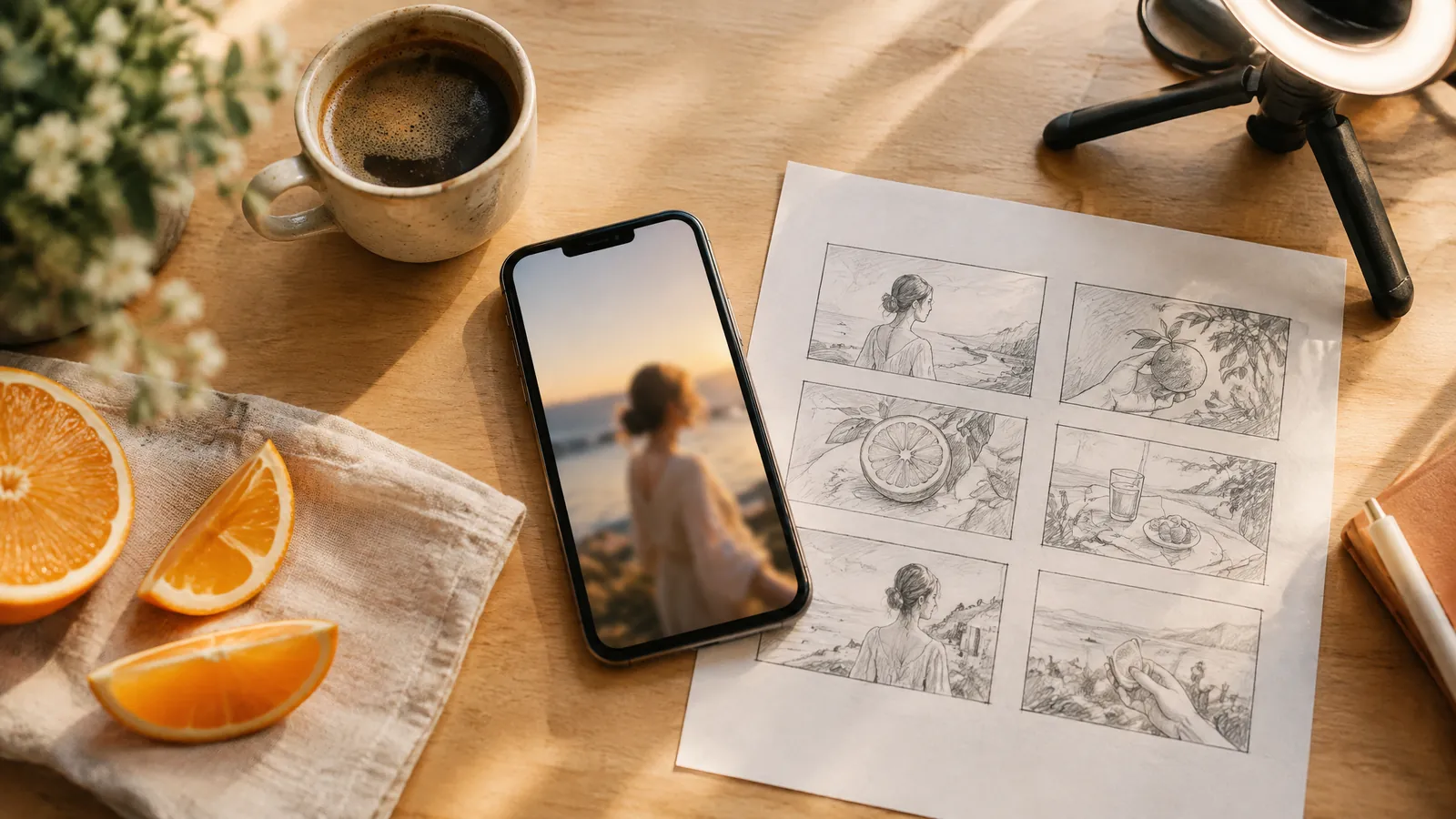
The proven structure is hook, body, call to action:
Hook (0-3 sec): "I thought decent video ads would cost me hundreds of dollars each."
Body (3-25 sec): "Until I tried this. You scan your website, the AI picks up your branding and writes a script that fits your brand. Pick a persona, and your video is done in literally five minutes."
CTA (25-35 sec): "Try it free for three days, link below."
The hook is 80 percent of the work. If the first 3 seconds do not land, the rest of your video does not exist.
Step 3: choose your format
- Talking head (UGC style): a person speaking to camera. Strong for explanation, testimonials and trust. With AI personas you make this without an actor or a shoot day.
- B-roll with voice-over: atmosphere shots with narration. Strong for lifestyle and products in context; generate the shots with a model like Sora 2.
- Static with motion: a strong static ad with subtle animation. The cheapest format to test with.
Not sure? Start with talking head: it builds the most trust and performs well across industries.
Step 4: generate the video
Here is how it works in Genly:
- Scan your website: your Brand DNA (colors, tone of voice, audience) is extracted automatically.
- Pick an AI persona or upload your own face.
- Use your script or let the AI write one based on your brand.
- Generate. Within minutes you have a 9:16 video with a native voice-over.
Step 5: create variants (this is where you win)
One video is not a test. Take your best concept and create 3 to 5 variants where only the hook changes and everything else stays identical. That way you know you are measuring the hook. With AI, an extra variant takes minutes, so there is no excuse to go live with a single version.
Step 6: measure the numbers that matter
| Metric | What it measures | Healthy benchmark |
|---|---|---|
| Thumbstop ratio | Do people watch past 3 seconds? | 20 to 30 percent |
| Hold rate | Do people reach the halfway mark? | 10 to 15 percent |
| CTR | Are people clicking your call to action? | 1 to 2 percent |
| CPA or ROAS | What does each creative cost or return? | Your margin sets the bar |
Scoring below these? A low thumbstop means your hook is the problem; a low hold rate means your body does not deliver on the hook. Always judge per creative, not just per campaign.
Refresh your creatives every 2 to 4 weeks. Even winners fatigue.
The 3 most common mistakes
- Opening with your logo. Nobody stays for a logo. Open with the problem or the result.
- No captions. Most of the feed is watched on mute.
- One video per month. Volume and variation beat perfectionism; the data picks the winner, not your gut.
Frequently asked questions
What does it cost to make video ads with AI?
Genly starts at 39 euros per month for a monthly credit allowance covering multiple videos and static ads. For comparison: a single creator-made UGC video easily runs $150 to $450.
Do I need editing experience?
No. Script, voice-over, visuals and captions come out of the same flow. If you can type an email, you can make a video ad.
Does this work for my industry?
Talking-head videos work for almost every industry where explanation or trust plays a role: e-commerce, services, apps, local businesses. Curious what it looks like for your brand? Try it free for three days with your own website as input.
Editor
Marlon Bonink
Co-founder of Genly
This article was written by Genly's AI team and reviewed by Marlon before it went live. How we work with AI: AI transparency.