 Video and UGC
Kling 3.0: Specs, Pricing and Prompt Examples for Ads
Kling 3.0 explained: 15 second clips with up to six shots, audio and 4K, credit and API pricing, language support and four prompt examples for ads.


Written by Genly's AI team, reviewed by Marlon Bonink
· 8 min read
Kling 3.0 is the video model from Kling AI, the AI video business of China's Kuaishou. It generates clips of up to 15 seconds with multiple shots and sound in a single pass. This page covers what it means for your ads, what it costs and which prompts work. Status: September 2026; its successor has already been announced, see Kling 4.0.
Short answer: Kling 3.0 (February 2026) creates 3 to 15 second videos with up to six shots, in 16:9, 9:16 or 1:1, up to 4K, with or without audio. Speech works in five languages (Chinese, English, Japanese, Korean and Spanish); dialogue in other languages is turned into English. Through the API it costs $0.08 to $0.42 per second, and commercial use via kling.ai requires a paid plan.
What is Kling 3.0?
Kling AI announced the 3.0 series on February 5, 2026: Video 3.0 and Video 3.0 Omni for video, plus two image models. Ultra subscribers got early access; the model is now widely available, including through the API. According to the official guide, Video 3.0 replaces version 2.6 and Video 3.0 Omni replaces O1. The difference: Video 3.0 works from text or a start frame, while Omni freely combines text, photos, videos and elements in one request (Omni guide).
On April 23, 2026 the series gained native 4K, and the API added Kling 3.0 Turbo, which is faster and cheaper. On September 28, 2026 Kling announced version 4.0; read our Kling 4.0 article for what changes.
Kling 3.0 specs at a glance
| Feature | Kling 3.0 (as of September 2026) |
|---|---|
| Length | 3 to 15 seconds, selectable per second |
| Shots | up to 6 shots per video, each with its own duration |
| Resolution | 720p and 1080p; native 4K since April 23, 2026 |
| Aspect ratios | 16:9, 9:16 and 1:1 |
| Audio | optional: speech, sound effects and ambience |
| Image to video | start frame, or start and end frame (end frame alone is not supported) |
| References | "elements": a product or character built from 2 to 4 photos or a short video; up to 3 per video via the API |
| Speech languages | Chinese, English, Japanese, Korean and Spanish, with accents; other languages become English |
| Text in frame | preserves text from your source image, such as signs, captions and logos |
| Extension | no extension feature documented for 3.0 |
Sources: Kling's Video 3.0 guide, API documentation and model overview.
Strengths and weaknesses for ads
Where it shines:
- A mini story in one generation. Hook, product, use and packshot fit into four shots totalling 15 seconds, with no editing.
- Your product stays the same. Kling says an element keeps its look however the camera moves. Characters can carry a fixed voice.
- Packaging text stays legible. Kling explicitly pitches text preservation for e-commerce advertising.
- Square is supported. Alongside 9:16 and 16:9, Kling outputs 1:1.
- Audio is optional. Without audio, it is cheaper.
Where it falls short:
- Limited languages. Dialogue typed in, say, Dutch or German is converted to English.
- 15 seconds maximum. For 30 seconds in one go you need a different model.
- No 4:5. Meta's portrait feed format requires cropping.
- Commercial use requires payment. According to the plans page, only paid subscribers may use outputs commercially.
Kling 3.0 pricing
On kling.ai
In the app and on the web you pay in credits per second (guide):
| Kling 3.0 | 720p | 1080p |
|---|---|---|
| With audio | 9 credits per second | 12 credits per second |
| Without audio | 6 credits per second | 8 credits per second |
A 5 second 1080p clip with audio therefore costs 60 credits. On September 29, 2026 the cheapest plan, Standard, included 660 credits a month for $6.99 in the first month and $8.80 a month after that. That covers roughly fourteen 5 second clips at 720p with audio. Prices and promotions change often.
Through the API
Developers pay per second (pricing page): without audio $0.084 at 720p and $0.112 at 1080p, with audio $0.126 and $0.168, and $0.42 at 4K. Ten seconds at 1080p with audio comes to $1.68. Kling 3.0 Turbo with audio costs $0.112 (720p) or $0.14 (1080p) per second.
Using Kling 3.0 in Genly
In Genly, Kling 3.0 is available in the video generator and in GenFlow, the canvas where you build a video ad from connected blocks. In GenFlow you choose 5 or 10 seconds in 9:16, 16:9 or 1:1, from a start image or text only, always with audio. A 5 second clip costs 10 credits, a 10 second clip 20 credits. Elements, an end frame and 4K are not part of the Genly version; use Kling directly for those.
For markets outside Kling's five languages, this workflow is easiest: ask for sound and ambience but no dialogue, then add a voice-over and captions in GenFlow. You pay with the credits in your Genly plan, with no separate Kling subscription.
Kling 3.0 prompt examples for ads
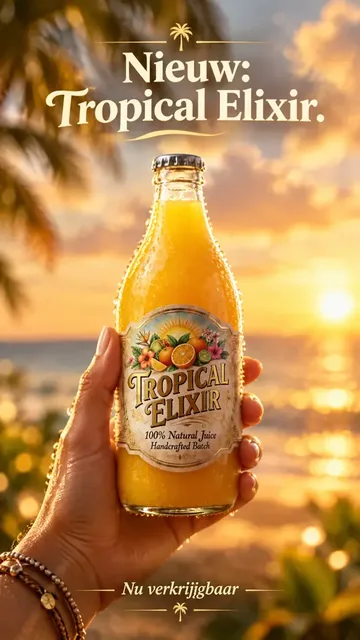
Kling's guide shows how to direct the model: number your shots with a duration ("Shot 1 (3s): ..."), give speakers a name and tone, and reference elements with @Name. The API documentation recommends prompts under 2,500 characters. Write in English. The examples use our demo brand Tropical Elixir, a bottled tropical juice.
1. Four-shot product story
Vertical 9:16, 15 seconds, bright summer daylight, realistic commercial look.
Shot 1 (3s): Wide shot of a sunny rooftop terrace, a man seen from behind wipes his neck in the heat. Ambient city sounds.
Shot 2 (4s): Close-up, his hand lifts a chilled bottle of tropical juice out of a cooler full of ice. SFX: ice rattling.
Shot 3 (4s): Side view, he pours the juice into a glass and takes a sip. SFX: pouring, a relieved exhale.
Shot 4 (4s): Static packshot of the bottle next to the glass on the table, empty space above it.
No dialogue, no on-screen text.
Shot durations must add up to the total length.
2. Bring your product photo to life (works in Genly too)
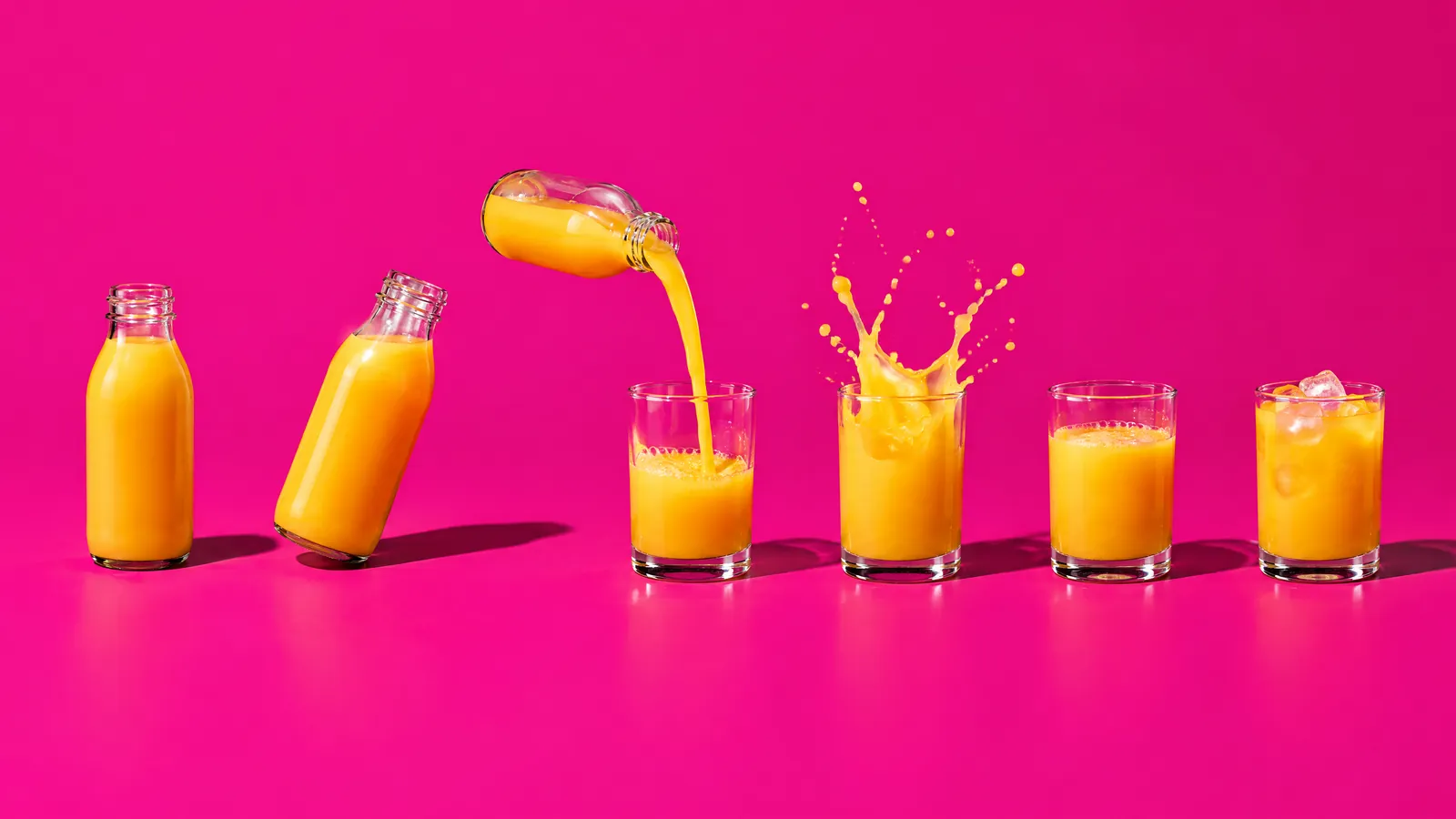
The bottle from the start frame stays in place while the camera slowly orbits around it. Mango slices and drops of juice fall in slow motion around the bottle and splash onto the table. Keep the label and all text on the bottle exactly as in the start frame. Soft studio light, bright orange background. SFX: soft splashes. No dialogue.
Upload your product photo as the start frame and choose 5 seconds.
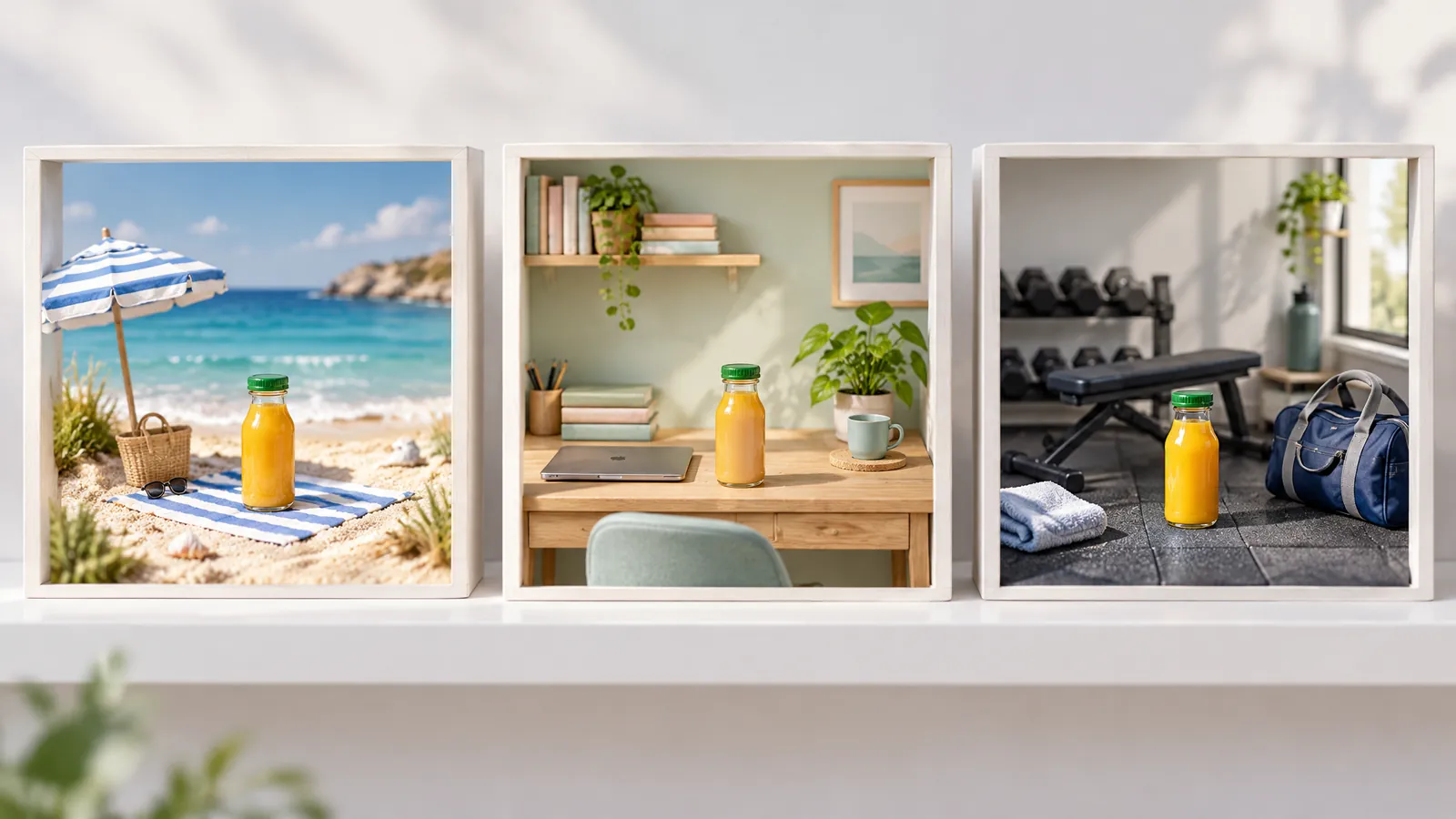
3. One product, three scenes
First create an element called "Elixir" in Kling from 2 to 4 product photos.
Vertical 9:16, 10 seconds.
Shot 1 (3s): @Elixir stands on a beach towel in the sand, waves in the background.
Shot 2 (3s): @Elixir on a desk next to a laptop, soft office light.
Shot 3 (4s): A hand pulls @Elixir out of a gym bag after a workout.
Keep @Elixir identical in every shot. Upbeat acoustic music, no dialogue.
4. Two voices for an English-language campaign
Horizontal 16:9, 10 seconds. A sunny market stall full of fruit. Customer (curious tone, in English): "What's in the orange bottle?" Vendor (cheerful tone, British accent): "Passion fruit, mango and a bit of sunshine." The customer, seen from the side, laughs and takes a bottle. Market ambience.
For other languages, drop the dialogue and use a voice-over.
Kling 3.0 vs the other video models in Genly
| Model | Maker | Clip length | Max resolution | Spoken Dutch | In Genly (September 2026) |
|---|---|---|---|---|---|
| Kling 3.0 | Kling AI (Kuaishou) | 3 to 15 seconds | 4K | no, becomes English | 5 or 10 seconds in GenFlow, 10 or 20 credits |
| Veo 3.1 | Google DeepMind | 4, 6 or 8 seconds | 4K | not evaluated | 8 second clip, 20 or 40 credits |
| Seedance 2.5 | ByteDance | 4 to 30 seconds | 1080p via the API | no, 11 languages without Dutch | 4 to 30 seconds, 2 credits per second at 720p |
| Sora 2 | OpenAI | n/a | n/a | n/a | no longer: OpenAI shut down the API on September 24, 2026 |
Sources: Kling, Gemini API, BytePlus and OpenAI.
In short: choose Kling 3.0 for a short story told in several shots. Veo 3.1 is strong at single realistic shots with sound, Seedance 2.5 at 30 seconds in one generation. Sora 2 is gone, but the prompt structure from our Sora 2 examples still applies. New to AI video? Start with how to make AI video ads.
Frequently asked questions
Is Kling 3.0 free?
There is a free Basic account, but Kling only allows commercial use for paid subscribers. For ads made on kling.ai you need at least the Standard plan.
Which languages does Kling 3.0 speak?
Chinese, English, Japanese, Korean and Spanish, including accents such as British and Indian English. Dialogue in any other language is converted to English, so add a separate voice-over for other markets.
How long can a Kling 3.0 video be?
3 to 15 seconds per generation, with up to six shots. Kling does not document an extension feature for 3.0.
What is the difference between Kling 3.0 and Kling 3.0 Omni?
Video 3.0 works from text or a start frame, with elements. Omni freely combines text, photos, videos and elements, and can capture a character including their voice from a 3 to 8 second clip.
Should I wait for Kling 4.0?
Not necessarily. Kling 4.0 has been announced, but 3.0 works today, via the API and in Genly. See our Kling 4.0 article for what it adds.
Editor
Marlon Bonink
Co-founder of Genly
This article was written by Genly's AI team and reviewed by Marlon before it went live. How we work with AI: AI transparency.